
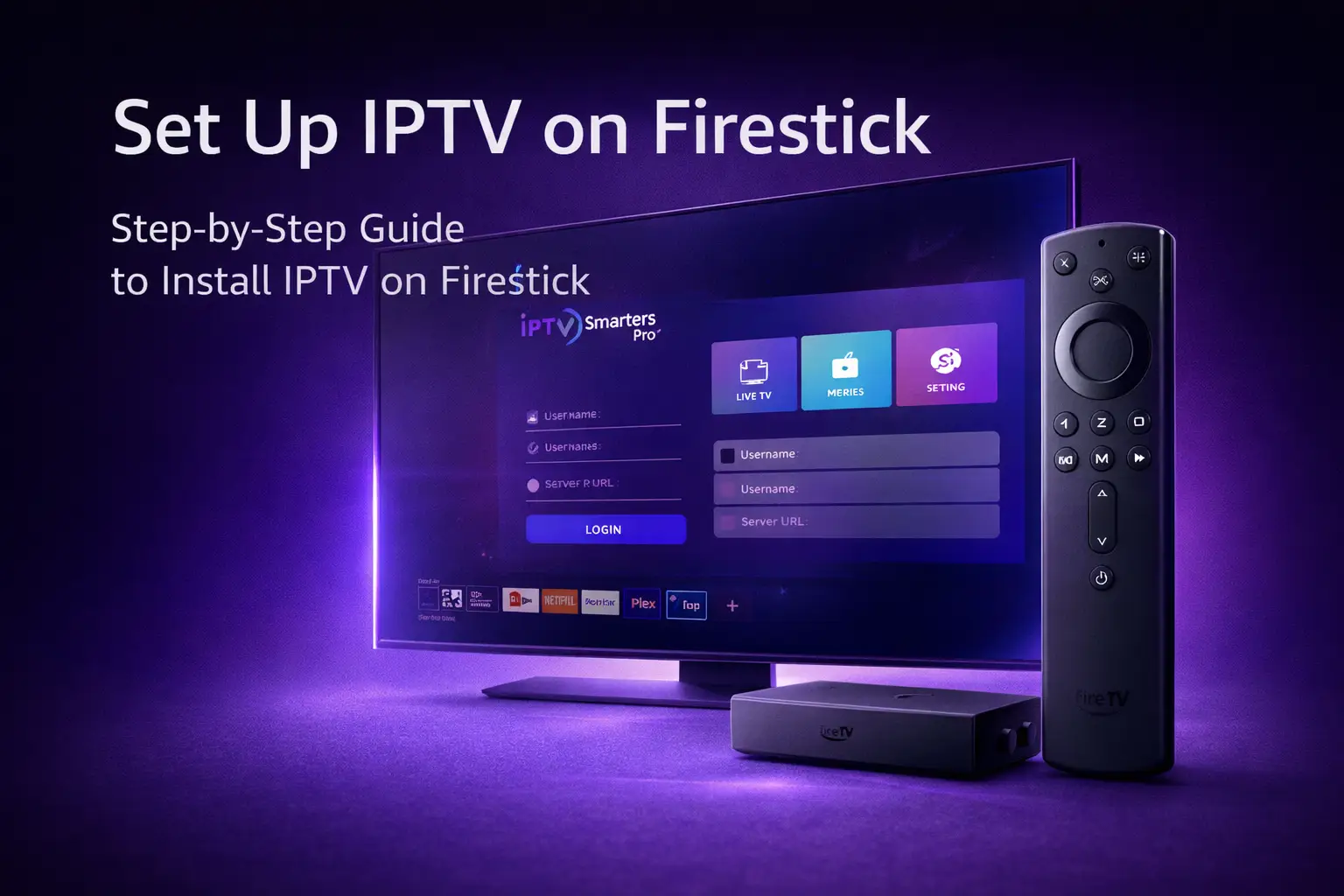
How to Set Up IPTV on Firestick Setting up IPTV on a Firestick is one of the easiest ways to start streaming live TV, movies, and series on your television. The entire process takes just a few minutes, and no technical experience is required. Here is exactly how to do it. What You Need Before You Start An Amazon Firestick (any model) plugged into your TV A Wi-Fi connection with a stable internet speed (10 Mbps minimum for HD) An active IPTV subscription with login credentials from your provider Step 1: Connect Your Firestick to the Internet Turn on your Firestick and make sure it is connected to your home Wi-Fi network. For the best streaming performance, place your router close to your TV or use a wired Ethernet adapter for a more stable connection. Step 2: Enable Apps from Unknown Sources Since some IPTV players are not available directly on the Amazon App Store, you may need to allow installation from unknown sources. Go to Settings → My Fire TV → Developer Options and enable Apps from Unknown Sources. This step is only needed if you plan to sideload an IPTV app. Step 3: Download an IPTV Player Open the Amazon App Store from your Firestick home screen and search for an IPTV player. Some of the most popular and reliable options include: IPTV Smarters Pro — user-friendly interface, supports M3U and Xtream Codes TiviMate — one of the best IPTV players available, with a clean EPG and recording features GSE Smart IPTV — highly customizable and supports multiple playlist formats Select your preferred app and click Download to install it on your Firestick. Step 4: Enter Your IPTV Credentials Once the app is installed, open it and select the option to add a new playlist or provider. Enter the login details provided by your IPTV service.
Best Devices to Watch IPTV
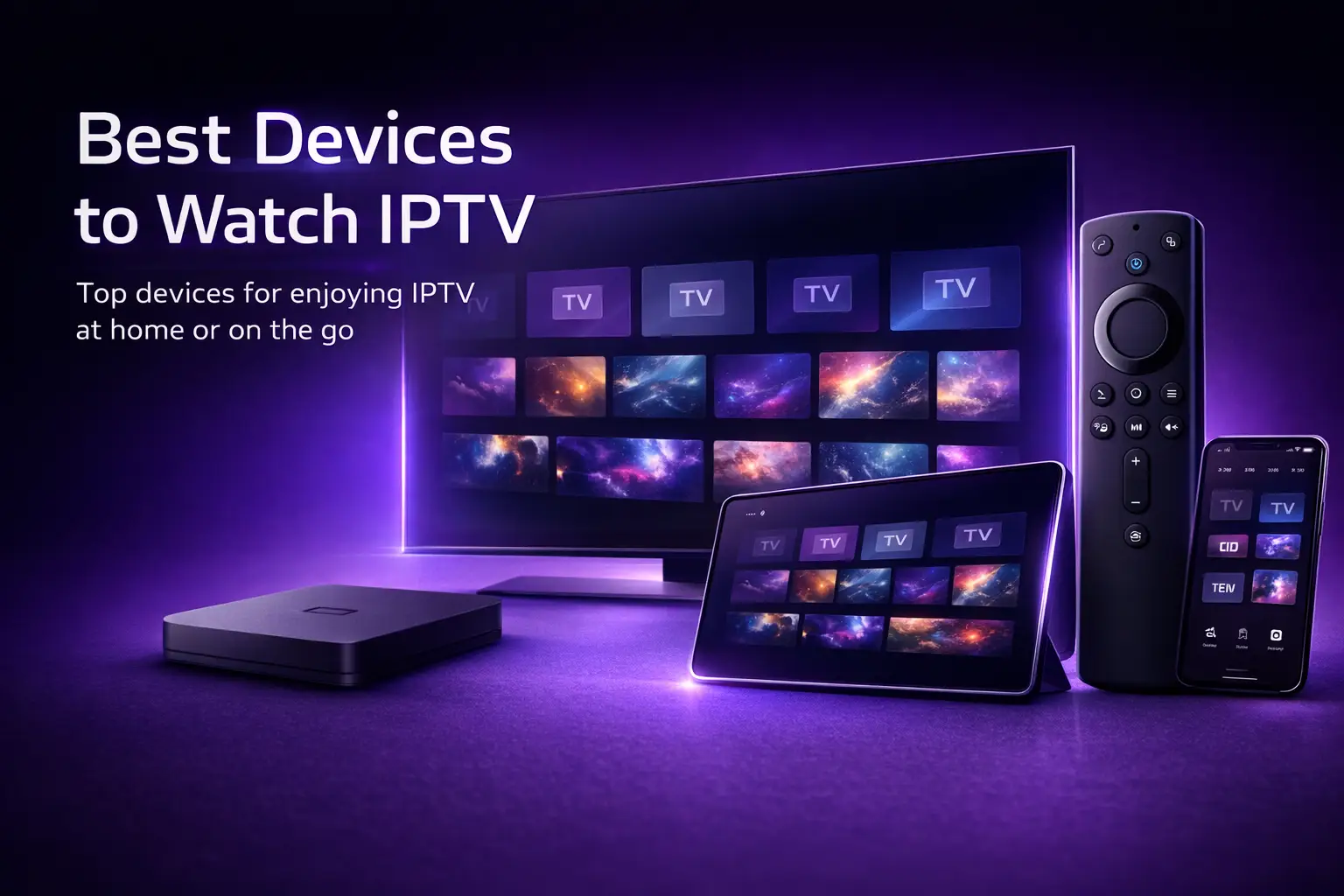
Best Devices to Watch IPTV IPTV services are designed to work across a wide range of devices, making it easy to enjoy your favorite content whether you’re at home or on the go. Choosing the right device can make a significant difference in your streaming experience, from picture quality to ease of use. Smartphones and Tablets For those who prefer watching on the go, smartphones and tablets are a convenient choice. IPTV apps are widely available for both Android and iOS devices, giving you access to live TV, VOD, and catch-up content from anywhere with an internet connection. Smart TVs, Android TV, and Google TV Smart TVs are another excellent option because many IPTV applications can be installed directly on the television without requiring any additional hardware. Android TV and Google TV devices are particularly well-suited for IPTV, offering access to the Google Play Store where most IPTV apps are available. Popular brands like Sony, Philips, and TCL run on these platforms. Laptops and Desktop Computers Laptops and desktop computers are also fully compatible with IPTV services. You can stream content through dedicated media players such as VLC, or directly through a web-based platform provided by your IPTV service. This makes it a great option for users who spend a lot of time at their desk or prefer a larger screen without investing in additional hardware. Quick Comparison: Best IPTV Devices Amazon Firestick — Best for ease of use and affordability Android TV Box — Best for flexibility and app compatibility Smart TV (Android/Google TV) — Best for a no-extra-hardware setup Smartphone / Tablet — Best for watching on the go Laptop / PC — Best for desktop streaming without extra devices
What Is IPTV and How Does It Work?
What Is IPTV and How Does It Work? If you’ve been hearing more and more about IPTV lately, you’re not alone. Millions of people around the world are ditching traditional cable and satellite subscriptions in favor of a smarter, more flexible way to watch TV. But what exactly is IPTV, how does it work, and is it right for you? In this complete guide, we’ll break down everything you need to know about IPTV — from the technology behind it to the features that make it one of the fastest-growing entertainment solutions of 2026. IPTV stands for Internet Protocol Television. It is a method of delivering television content over the internet rather than through traditional broadcast formats like cable, antenna, or satellite. Instead of receiving signals through a coaxial cable or a dish on your roof, IPTV streams video content directly through your internet connection. The term “Internet Protocol” refers to the same technology that powers your everyday internet browsing, emails, and video calls. IPTV simply applies that protocol to deliver television programming in real time or on demand. How Does IPTV Work? To understand how IPTV works, it helps to compare it with traditional TV broadcasting. With cable or satellite, the content provider sends a signal to your home continuously, whether you’re watching or not. You receive everything, and your TV simply tunes into a channel. What Internet Speed Do You Need for IPTV? Your viewing experience with IPTV depends heavily on the quality and speed of your internet connection. Here are the general recommendations: Standard Definition (SD): Minimum 5 Mbps High Definition (HD): Minimum 10–15 Mbps Full HD (1080p): Minimum 20–25 Mbps 4K Ultra HD: Minimum 50 Mbps or higher